Samsung TV remote app
Pair once with Allow on the TV. Cursor, typing and apps included.
Read the guide
 TV Remote Control • UniversalUtilities · iPhone
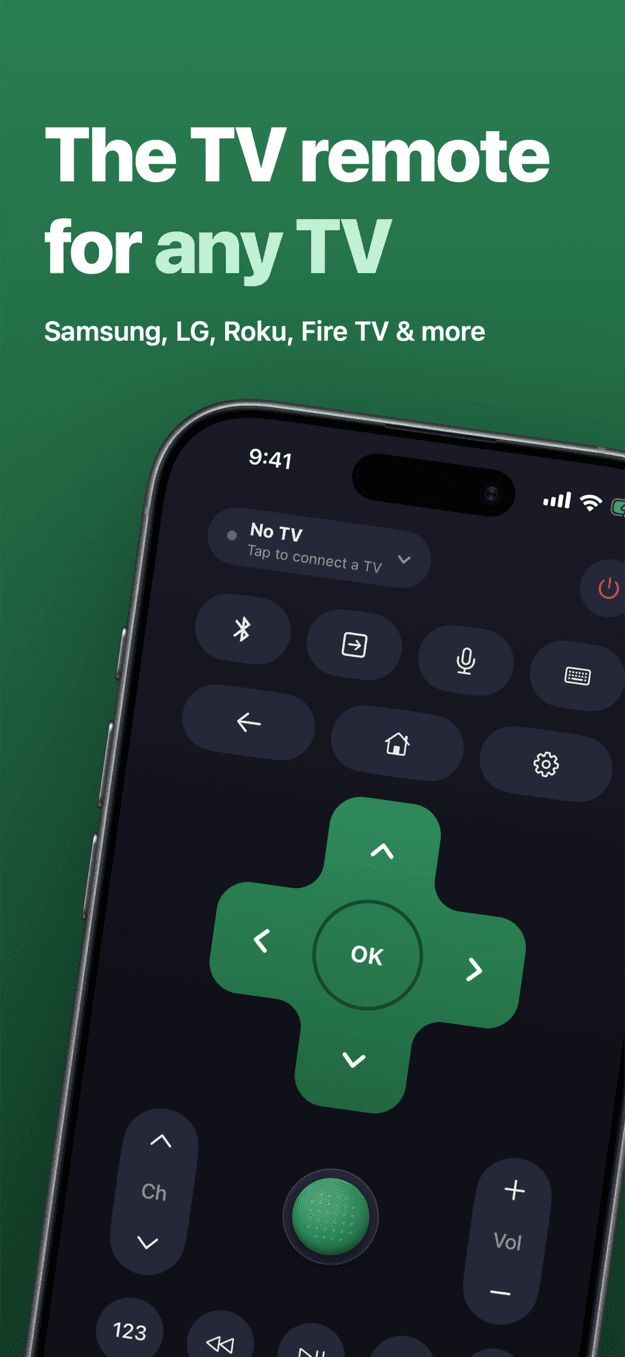
A free universal TV remote app for iPhone. Control Samsung, LG, Roku, Google TV, Android TV, Fire TV and Vizio over Wi-Fi, with a keyboard, voice search, one-tap apps and a trackpoint that drives the cursor.
Send us an email to request a launch notification. We will reply when the app is available on the App Store.
A free universal TV remote for your iPhone.
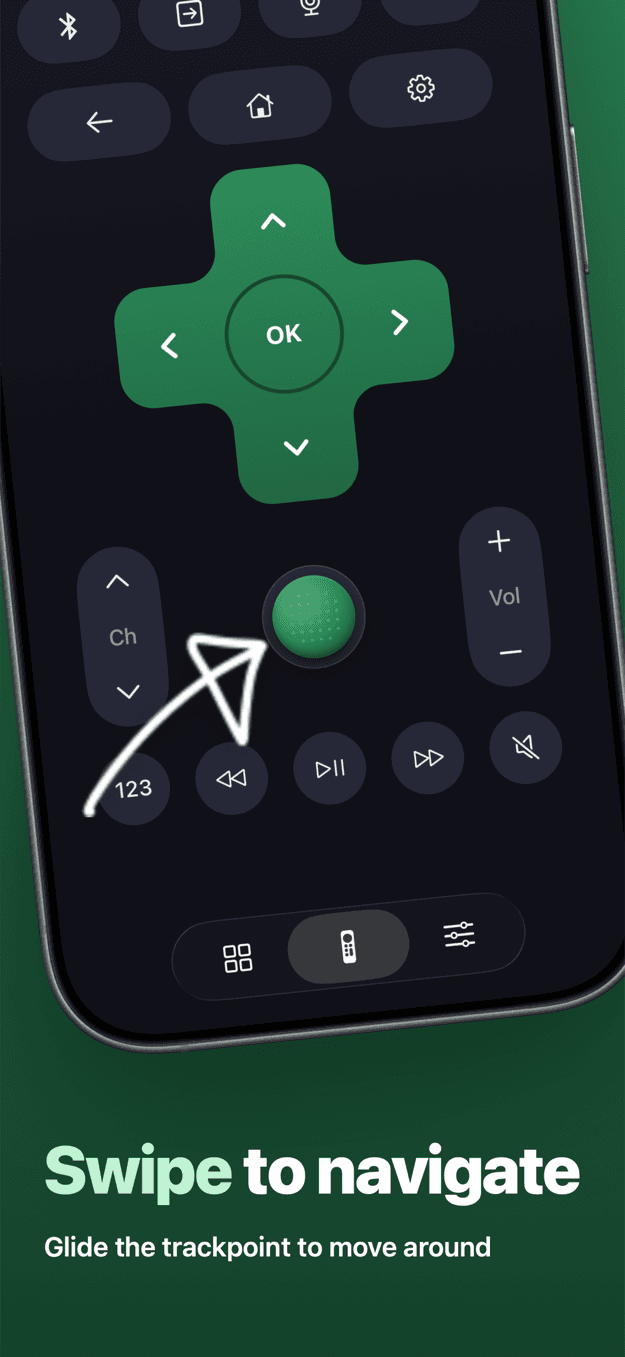
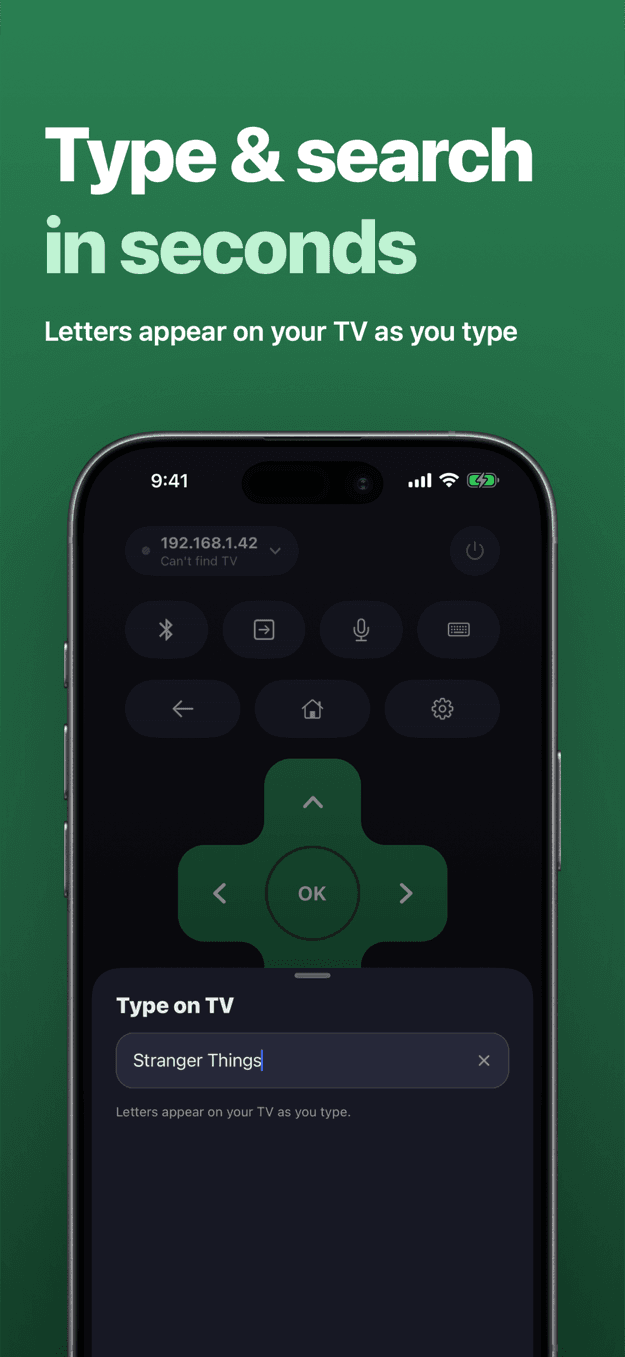
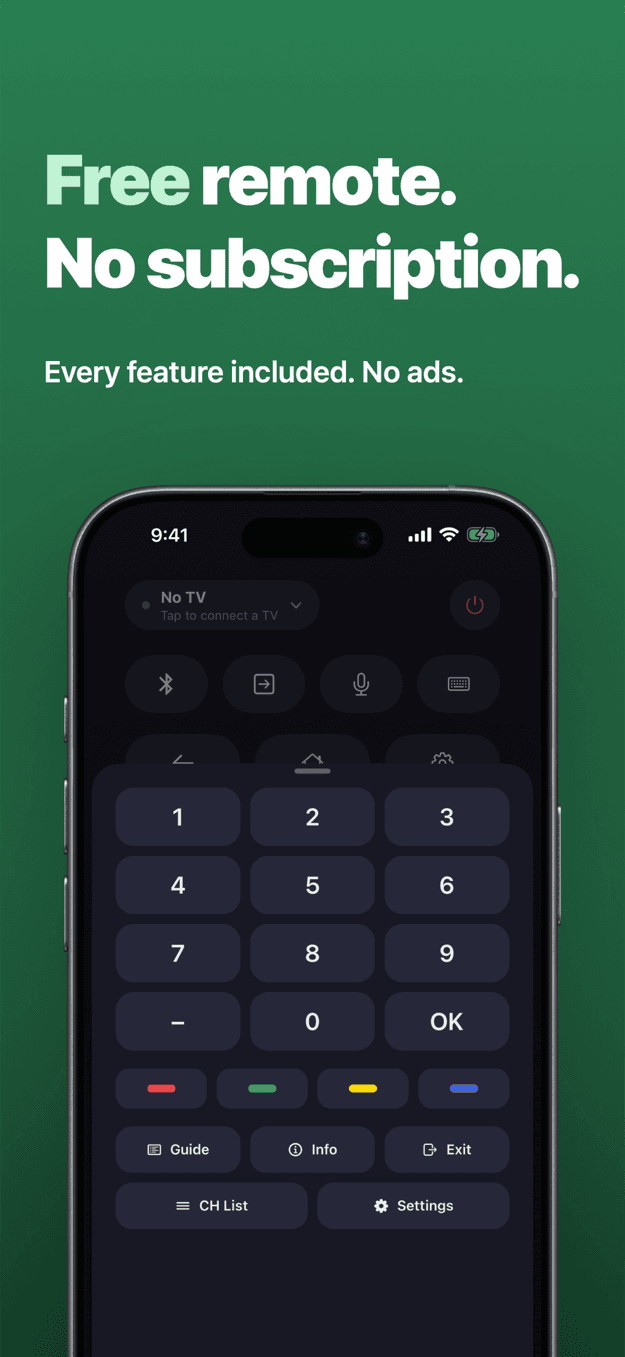
From download to changing the channel in under a minute.
Turn the TV on and make sure your iPhone is on the same Wi-Fi network as it.
Allow local network access when asked. The app lists the TVs it finds, and you tap yours.
Accept the prompt on Samsung or LG, or type the code the TV shows for Google TV, Fire TV and Vizio. Roku needs nothing.
D-pad, volume, channels, playback, inputs, apps, keyboard and voice. Next time, it reconnects on its own.
Why people choose TV Remote Control • Universal.
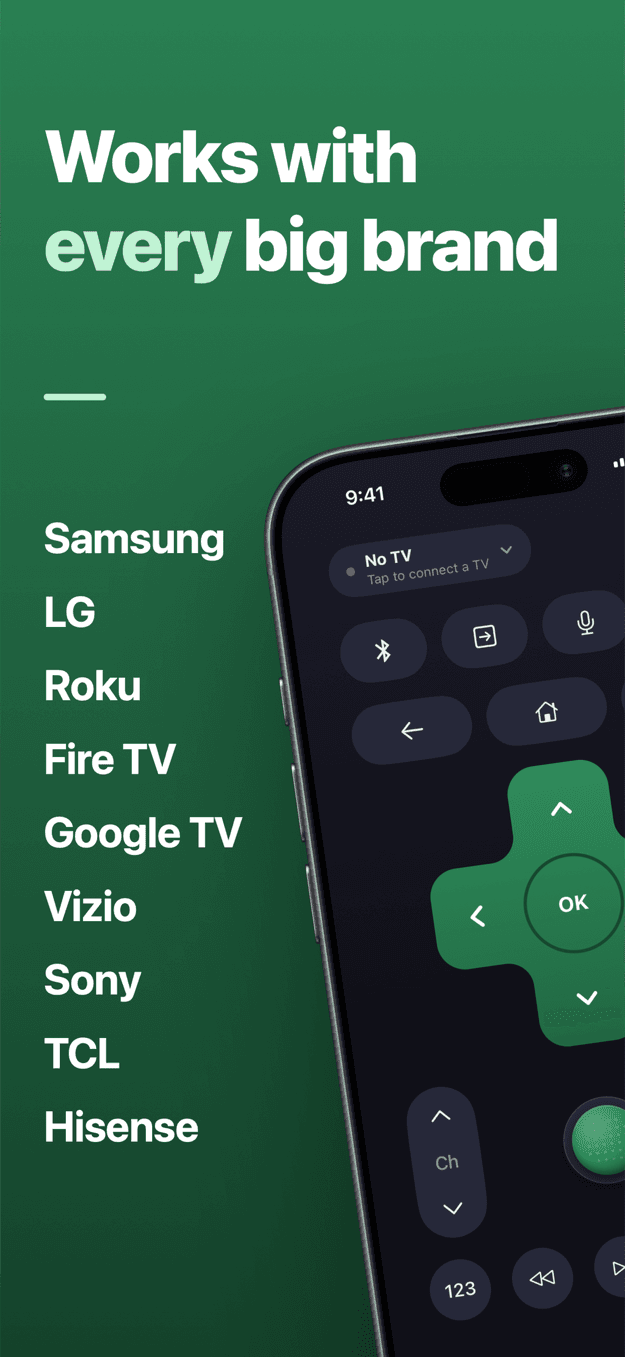
Samsung, LG webOS, Roku, Google TV and Android TV (Sony, TCL, Hisense, Philips, Nvidia Shield, Chromecast with Google TV), Fire TV and Vizio. Save several TVs and switch between them.
The app searches your Wi-Fi and lists the TVs it finds. Tap yours, approve it on the TV, and you’re connected. If a TV doesn’t show up, you can add it by IP address.
Push and hold the green nub: the further you push, the faster it goes. It moves the cursor on Samsung and LG, and works the arrow keys on every other TV. Sensitivity is adjustable.
Search boxes and passwords stop being a chore. Letters appear on the TV as you type, on Samsung, LG, Roku and Google TV.
Say what you want to watch. Your iPhone turns it into text, then searches for it or types it into the TV.
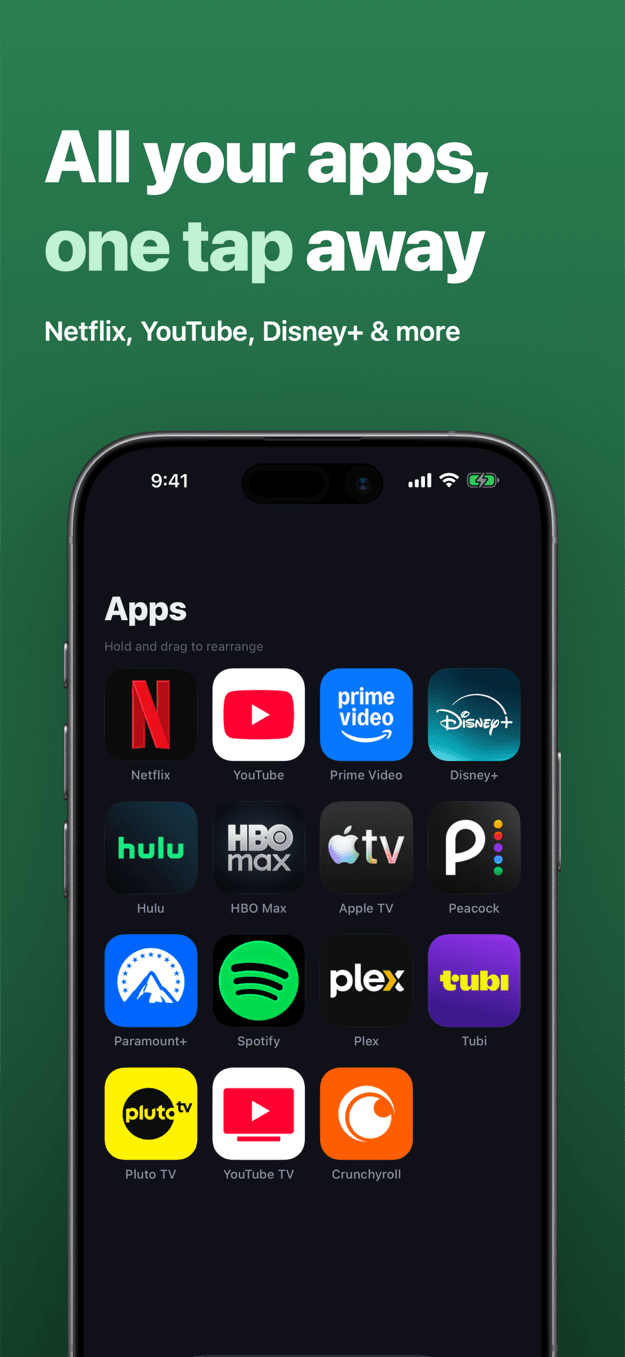
Netflix, YouTube, Prime Video, Disney+ and the rest of your TV’s apps sit in one grid. Tap to open, hold and drag to put your favourites first.
Your last TV reconnects the moment you open the app, with no fresh network search. Presses made while it reconnects are queued, not lost.
Get to the TV’s Bluetooth pairing screen for headphones or a soundbar in one press. Google TV goes there directly; on other TVs you record the route once and replay it.
Every feature is included. No ads, no subscription, no account and no tracking. An optional tip is there if you want to support the app, and it unlocks nothing.
How to set up TV Remote for your TV, and exactly what works on each one.
Pair once with Allow on the TV. Cursor, typing and apps included.
Read the guideMagic Remote-style cursor, inputs and typing on any LG webOS TV.
Read the guideNo pairing at all. Typing, voice search and Find remote.
Read the guideSony, TCL, Hisense, Philips, Shield and Chromecast with Google TV.
Read the guideFire TV Stick and Cube: pair with a PIN, navigate and open apps.
Read the guideSmartCast TVs: volume, channels, inputs and apps after a PIN.
Read the guideTurn your iPhone into a full remote in a minute, over Wi-Fi.
Read the guideQuick answers to the questions people ask before downloading.
TV Remote is on its way to the App Store.
Coming soon for iPhone · Privacy Policy · Terms of Use